
The International English Language Testing System (IELTS) is one of the most widely accepted English proficiency tests around the world. If you are planning to study, work or immigrate to English-speaking countries, taking the IELTS test is essential. It is accepted for a variety of purposes, including study, work and permanent residence in countries such as the UK, Canada, Australia and New Zealand.
To start taking the IELTS test, you need to log in to the official IDP IELTS portal at ieltsidpindia.com. After completing your registration, you will receive login credentials that will allow you to manage your test schedule, venue and access your test results.
Keep reading to learn how to log in to the IELTS portal and access all the important details for your test.
IELTS Highlights
The major highlights of IELTS are given below:
| Exam Name | IELTS |
| IELTS full form | International English Language Testing System |
| Official Website | https://www.ielts.org/ |
| Most popular for | Studying, working, and migrating to English-speaking countries like Australia, New Zealand, and the UK |
| Also accepted by | Universities in Canada and Universities in USA |
| Conducted by | IDP Education Ltd. |
| Mode of Exam | Online and Offline |
| IELTS Exam Fees | INR 17,000 |
| Score Range | Band 1 to Band 9 |
How to Register for IDP IELTS Student Login 2025?
If you are planning to take the IELTS test through IDP, the first step is to register online. The process is simple and can be completed in just a few minutes through the official website. Here is a step-by-step guide to help you with the registration:
Step 1: Visit the IDP IELTS website
Go to the IDP IELTS India website at ieltsidpindia.com. You can also visit your country-specific IELTS page from the homepage.
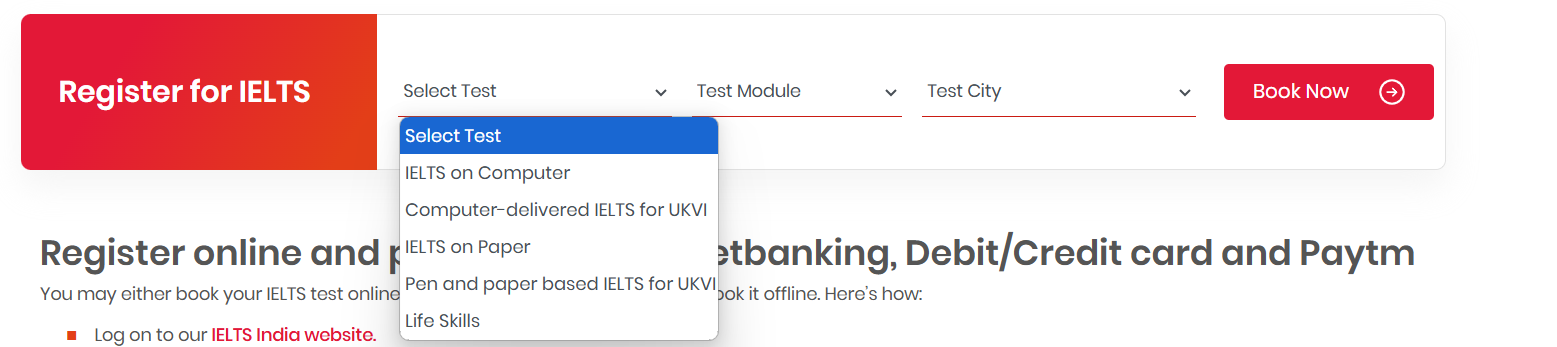
Step 2: Click on ‘Book Now’
On the top right of the homepage, click on the red ‘Book Now’ button to start the registration process.
Step 3: Select your test preferences
Select the type of test you want to take—computer-delivered or paper-based, your preferred test module (academic or general training), and the city you want to take the test in.

Step 4: Select a date and time slot
Now, choose a test date and time slot that suits your schedule. Make sure that the selected date is available in your chosen city.
Step 5: Fill in your personal details and upload passport
Enter your personal details as required and upload a clear color copy of your valid passport. This document is mandatory for exam registration.
Step 6: Pay the application fee
Proceed to pay the IELTS registration fee (INR 17,000) using your preferred payment method. Once the payment is successful, submit your application.
Step 7: Set up your login credentials
During registration, you will be asked to create a username and password. You will also receive these details via email, which you will later use to log in to the IDP IELTS student portal.
Step- by- Step IDP IELTS Student Login Process
To access your IELTS dashboard, you need to log in using the username and password you created during registration. Follow the simple steps below to complete the login process:
Step 1: Start by visiting the official IDP IELTS website .
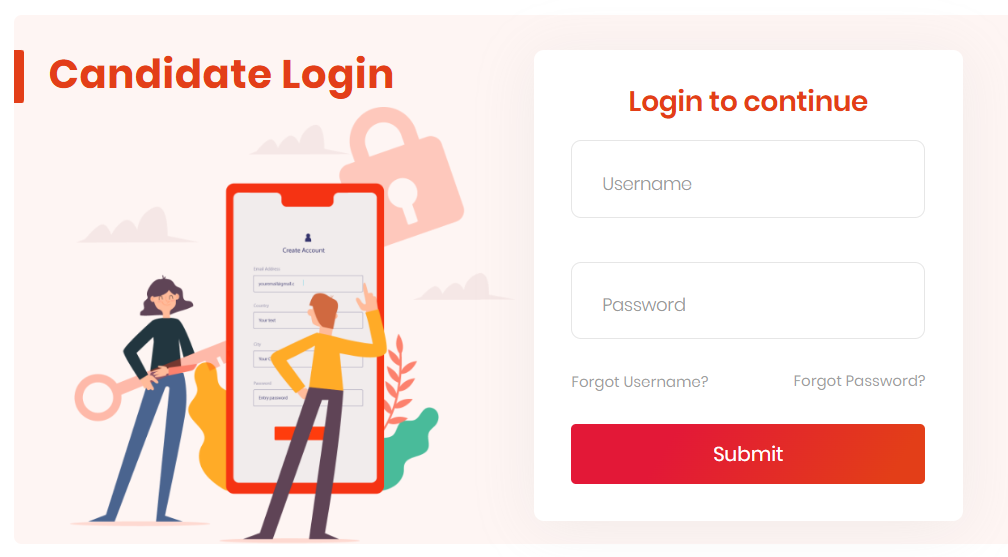
Step 2: Once the page opens, click on the ‘IELTS Login’ option. Then, enter your registered username and password in the fields provided.
Step 3: After entering your credentials, click on the ‘Login’ button. If the details are correct, you will be redirected to your personal IELTS dashboard, where you can check your test details, results and more.
How to reset IELTS Username and Password?
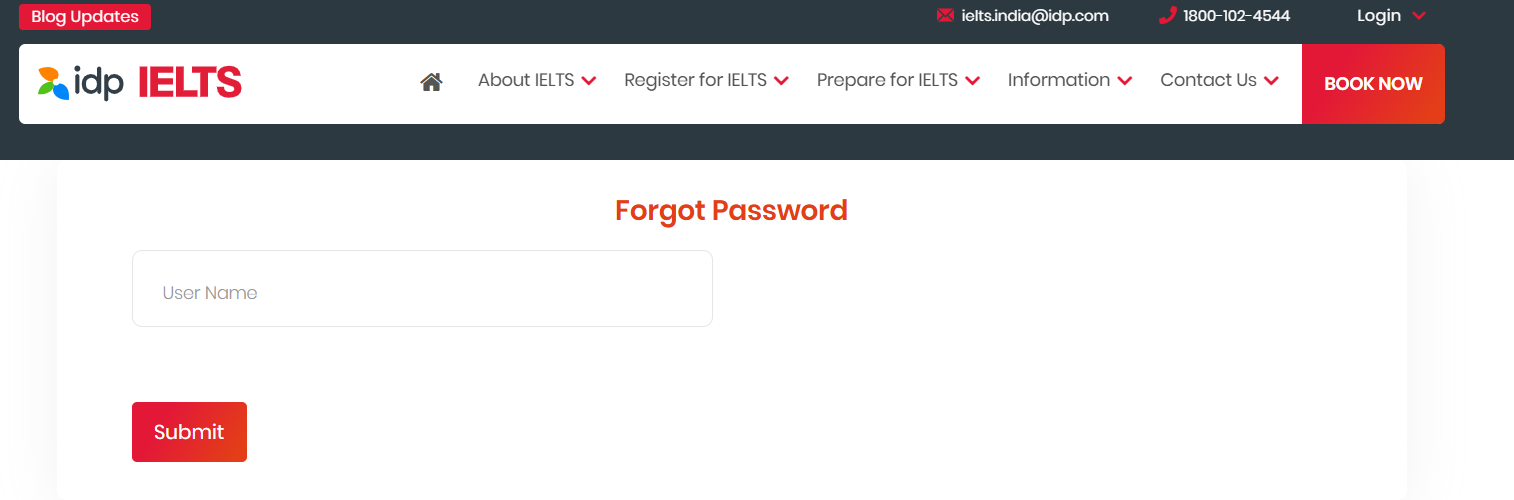
IELTS username and password can be recovered through the “Forgot Password” and “Forgot Username” options on the IELTS portal. You can check the step-by-step process of recovering IELTS username and password below:
Step 1: Go to the IDP IELTS website and click on Login in the top right corner of the page.
Step 2: If you want to select a specific login type, you need to select between Candidate Login, Branch Login or Referral Partner Login
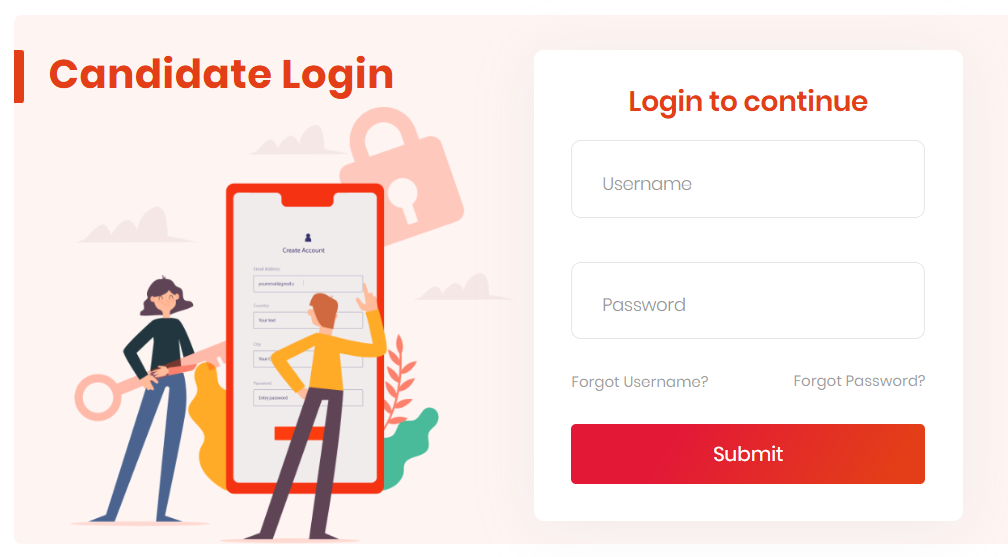
Step 3: After selecting your login type and below the username and password textbox you will get “Forgot Username” and “Forgot Password” options. If you want to reset your username, you will need to enter your Date of Birth (DOB), Passport Expiration Date and Last Exam Date.
Step 4: Then you will need to verify other details, complete the process and enter a new username for yourself.
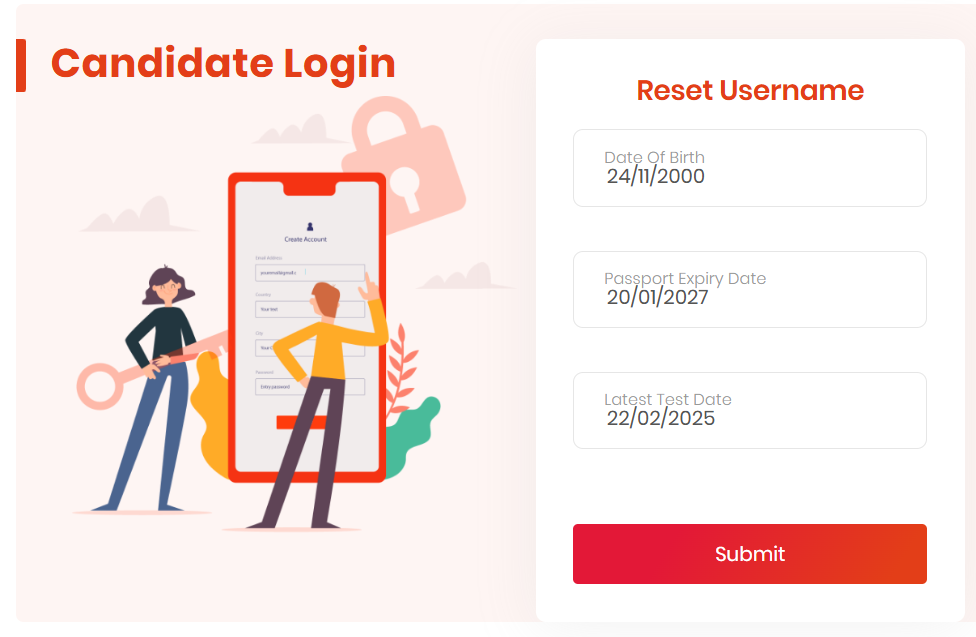
Step 5: To change the user password, you will need to enter the user ID and the related details will be emailed to you.
How to Check IELTS Results via Students Login Portal?
Candidates can easily check their IELTS results through the official IDP Student Login portal. For computer-based tests, results are usually available within 2 days. If you have taken the pen-and-paper-based test, the results will be released on the 13th day of the test.
Follow the step-by-step guide below to check your IELTS results:
Step 1: Visit the official IDP IELTS website and click on the ‘Login’ option available on the top right corner.
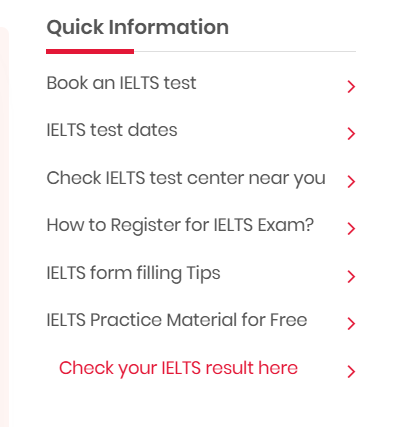
Step 2: Select ‘Candidate Login’ and enter your registered username and password.
Step 3: After successfully logging in, you will be redirected to your personal dashboard.
Step 4: Your test results will be displayed on the dashboard. You can also download your scorecard for reference.
Note: The official Test Report Form (TRF) will be delivered by IDP to your registered mailing address. Remember to keep your results safe until you receive the hard copy.
IELTS Score Required by Country
| Country | Minimum Score (General) | Purpose |
| United Kingdom | 6.0-7.0 | Study, visas, work |
| United States* | 6.5-7.0 | Study, some visas |
| Canada | 6.0-6.5 | Study, Work, Immigration |
| Australia | 6.0-7.0 | Study, Work, Immigration |
| New Zealand | 6.5-7.0 | Study, Work, Immigration |
| Ireland | 6.0-6.5 | Study, Work |
| Germany | 6.0-6.5 | Study |
| Netherlands | 6.0-7.0 | Study |
| Singapore | 6.0-7.0 | Study, Work |
| Hong Kong | 6.0-6.5 | Study |
Also Read:
IELTS FAQs
Q. How do I login into my IELTS account?
Ans. You can login into your IELTS account using your login credentials on the official website of IDP IELTS. These credentials were provided to you while registering for the exam.
Q. What is TRF for IELTS?
Ans. TRF is also called Test Report Form. This is the official document that contains your full result of IELTS test. This document displays a detailed analysis of your IELTS score in all four sections i.e. Listening, Reading, Writing, and Speaking. An overall band is also given on this document, and you will require the TRF to apply for immigration or University application process.
Q. At what time is IELTS test result displayed?
Ans. IELTS test result is typically displayed within the 2 days of IELTS online exam. In the case of a Pen and paper test, the result is displayed after the 13 days of the exam.
Q. Can I get my IELTS TRF online?
Ans. No there is no process of online dispatch of TRF. The document is sent to your registered address only within the stipulated time after the IELTS result is displayed. However, you can download your result from the IELTS portal for reference purposes.

He is a passionate blogger with 15 years of experience in creating engaging, SEO-friendly content. He loves sharing insights, tips, and stories that inform and inspire readers around the world